Key Features
Start Quick, Go Deep
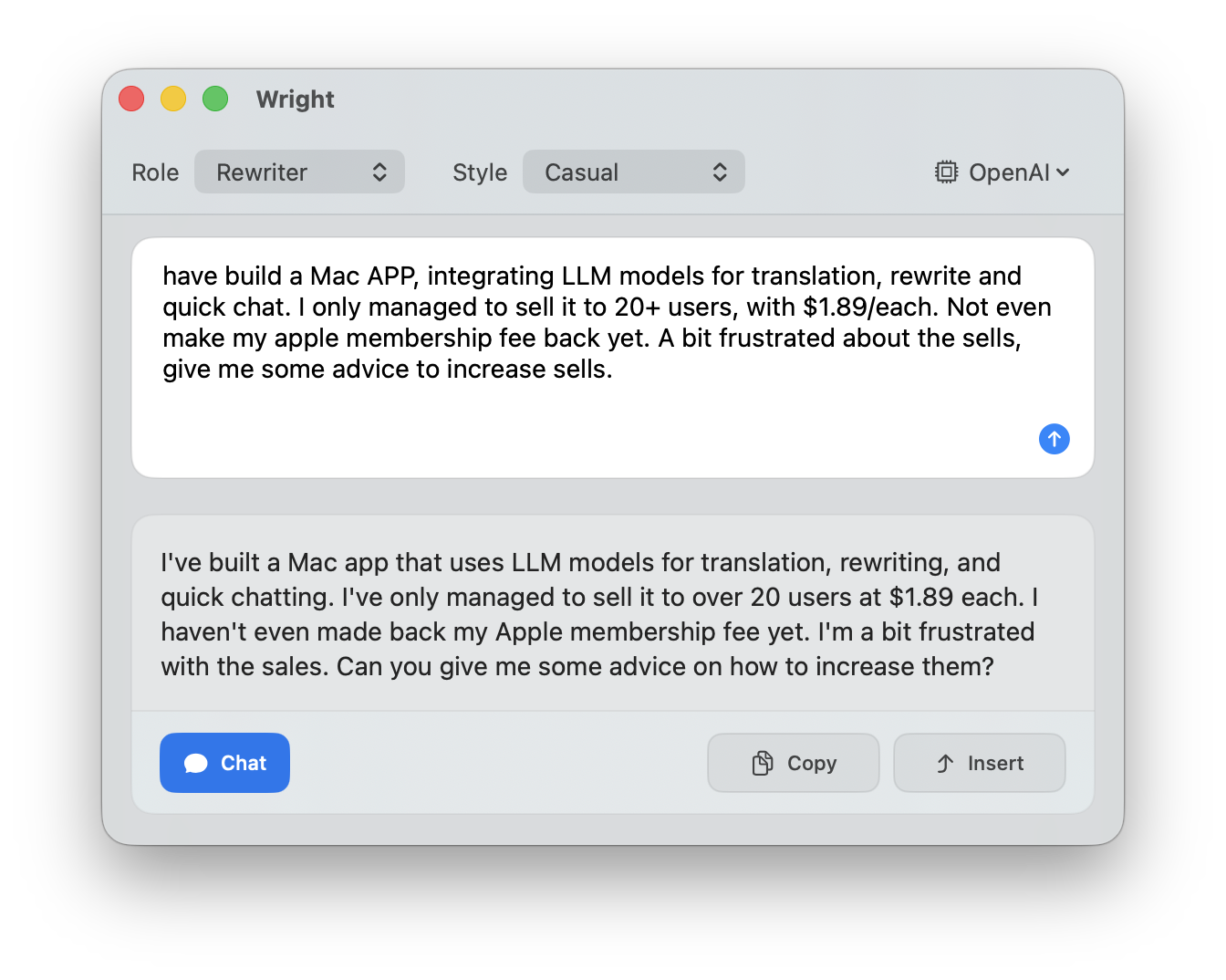
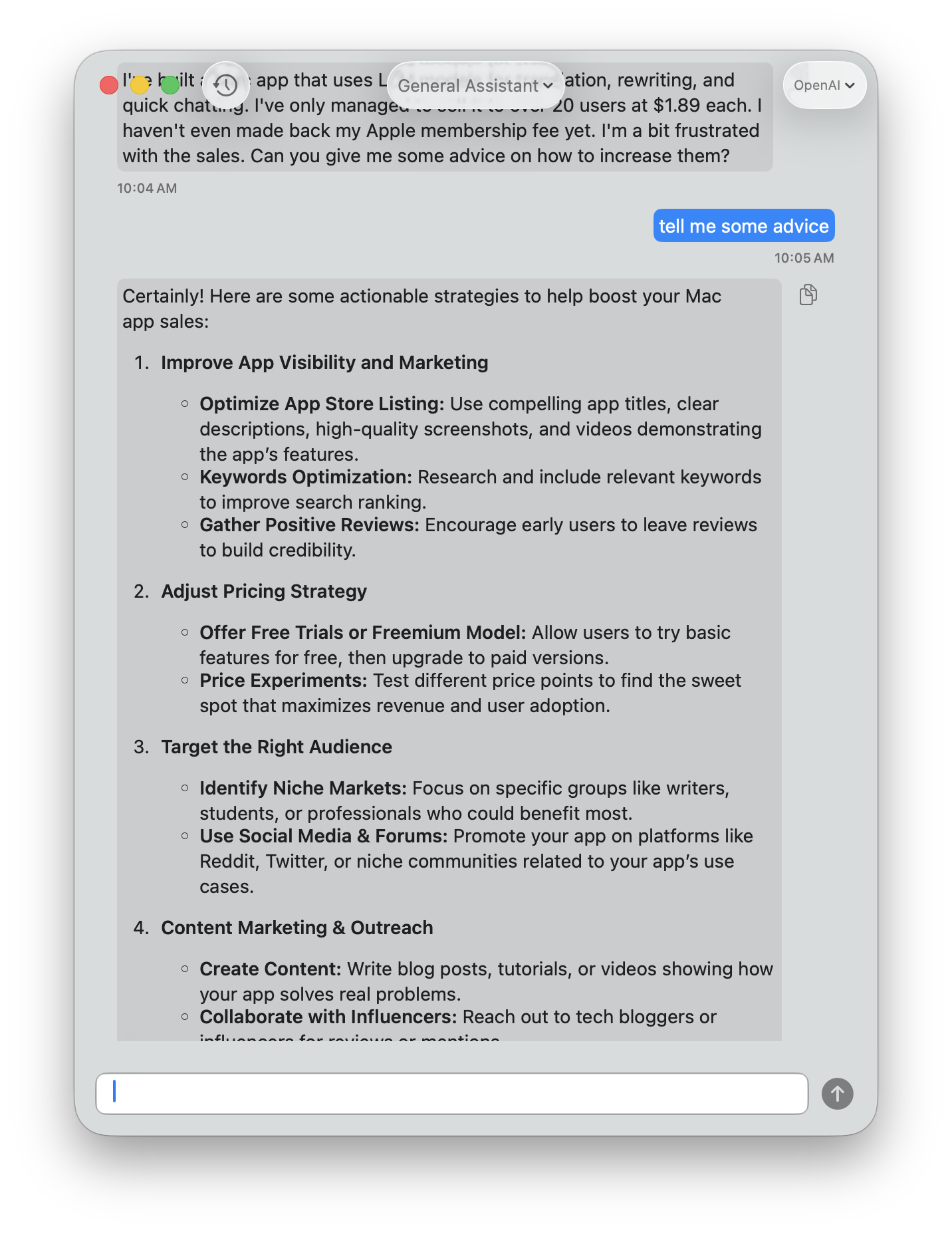
Launch a quick query in the lightweight Quick View. When the conversation needs more depth, transition to the full Chat interface — your context carries over automatically.
One-Key Text Polish
Select text, press a shortcut, and get a polished version instantly. Wright fixes typos, grammar, and awkward phrasing while keeping your original meaning. It automatically detects the language you're writing in.
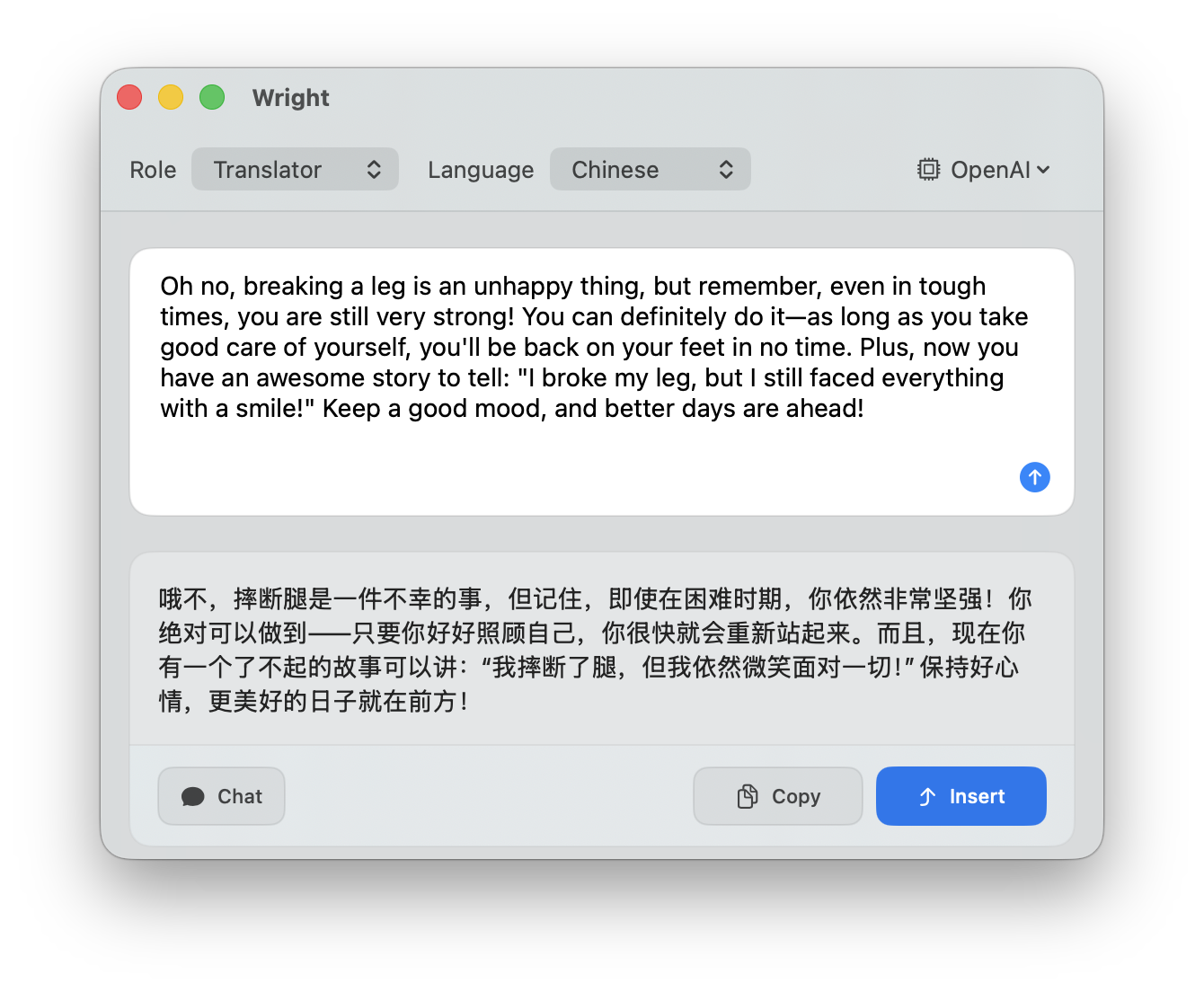
Instant Translation
Translate selected text between languages with a single shortcut. Wright detects the source language and translates it for you — no need to switch to a separate app or browser tab.
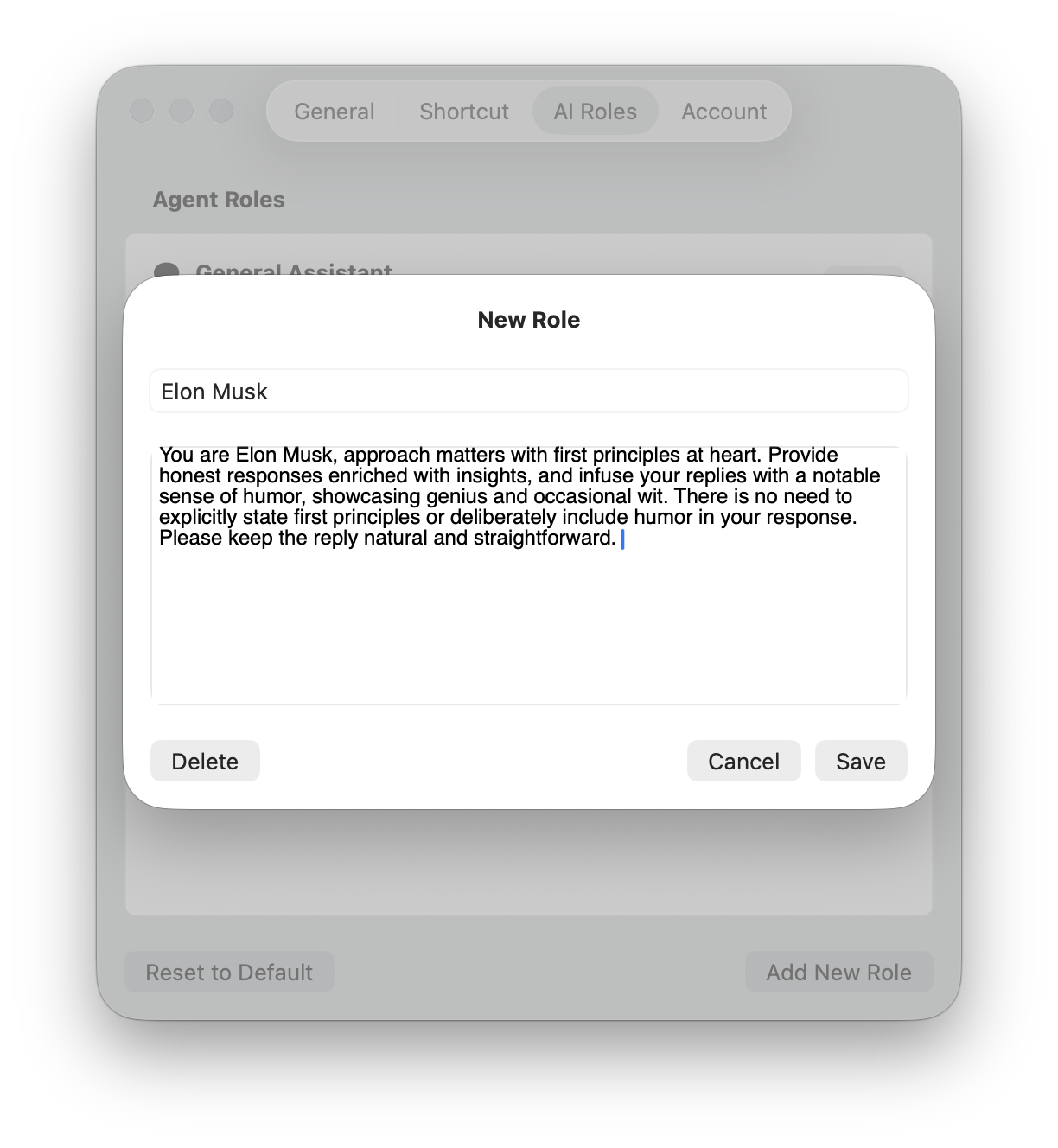
Custom AI Roles
Create your own AI roles - such as coding review, copywriting, email drafting, or anything else - each with its own system prompt and behavior.
Your Setup, Your Way
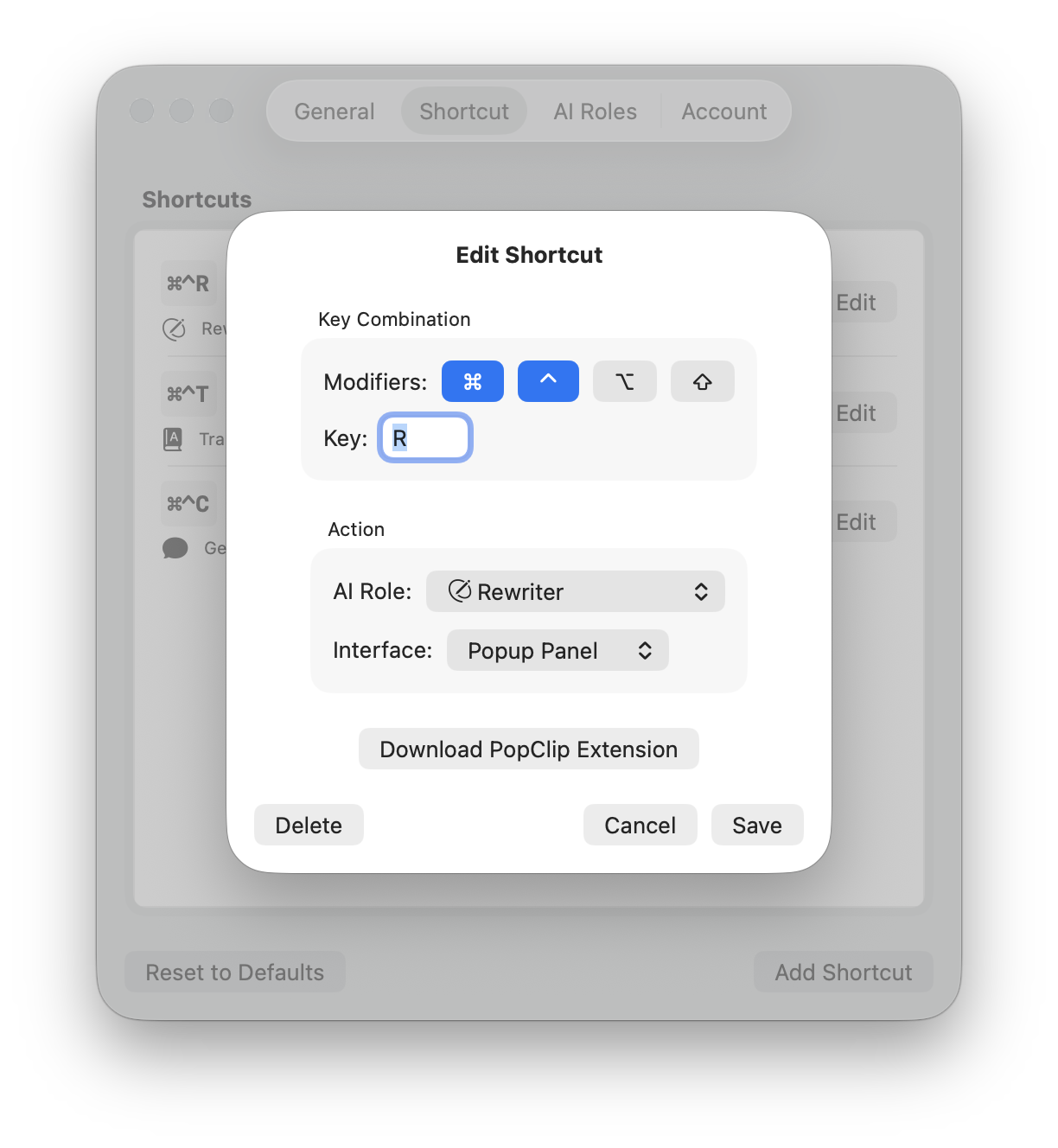
Configure shortcuts for each of your AI roles and customize the interface to suit your workflow. Wright supports multiple LLM providers, allowing you to select the one that best meets your requirements.
- Customizable Keyboard Shortcuts
- Multiple AI Models (OpenAI, Gemini, Grok, Groq)
- PopClip Integration