Mac
Fast selected-text actions from anywhere.
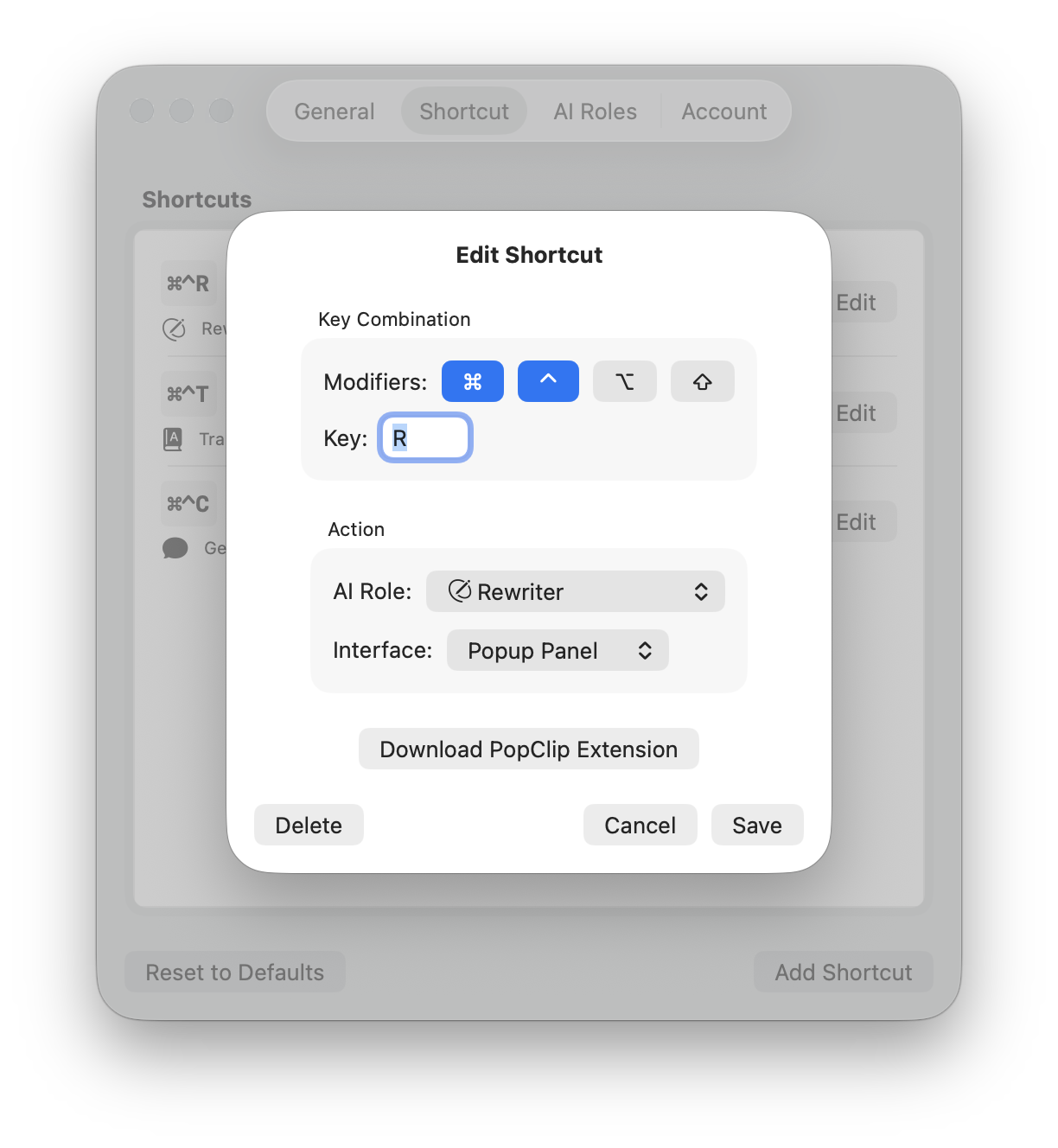
- Rewrite, translate, and chat from global shortcuts.
- Use PopClip actions for mouse-first workflows.
- Continue from Quick View into full chat with context preserved.
Use AI where your text already is. Translate, rewrite, summarize, and continue into chat with custom roles that sync across your Apple devices.
Wright is built for a simple workflow: act on text immediately, then continue deeper only when needed.
Highlight the text you want to work with anywhere on your Mac.
Run the right AI action right away without switching apps or copying text into another tool.
When you need more, continue into chat with the original text and context preserved.
Wright adapts to the way each platform handles text instead of pretending they all work the same.
Fast selected-text actions from anywhere.
AI text actions built for iOS workflows.
Launch a quick query in the lightweight Quick View. When the conversation needs more depth, transition to the full Chat interface — your context carries over automatically.
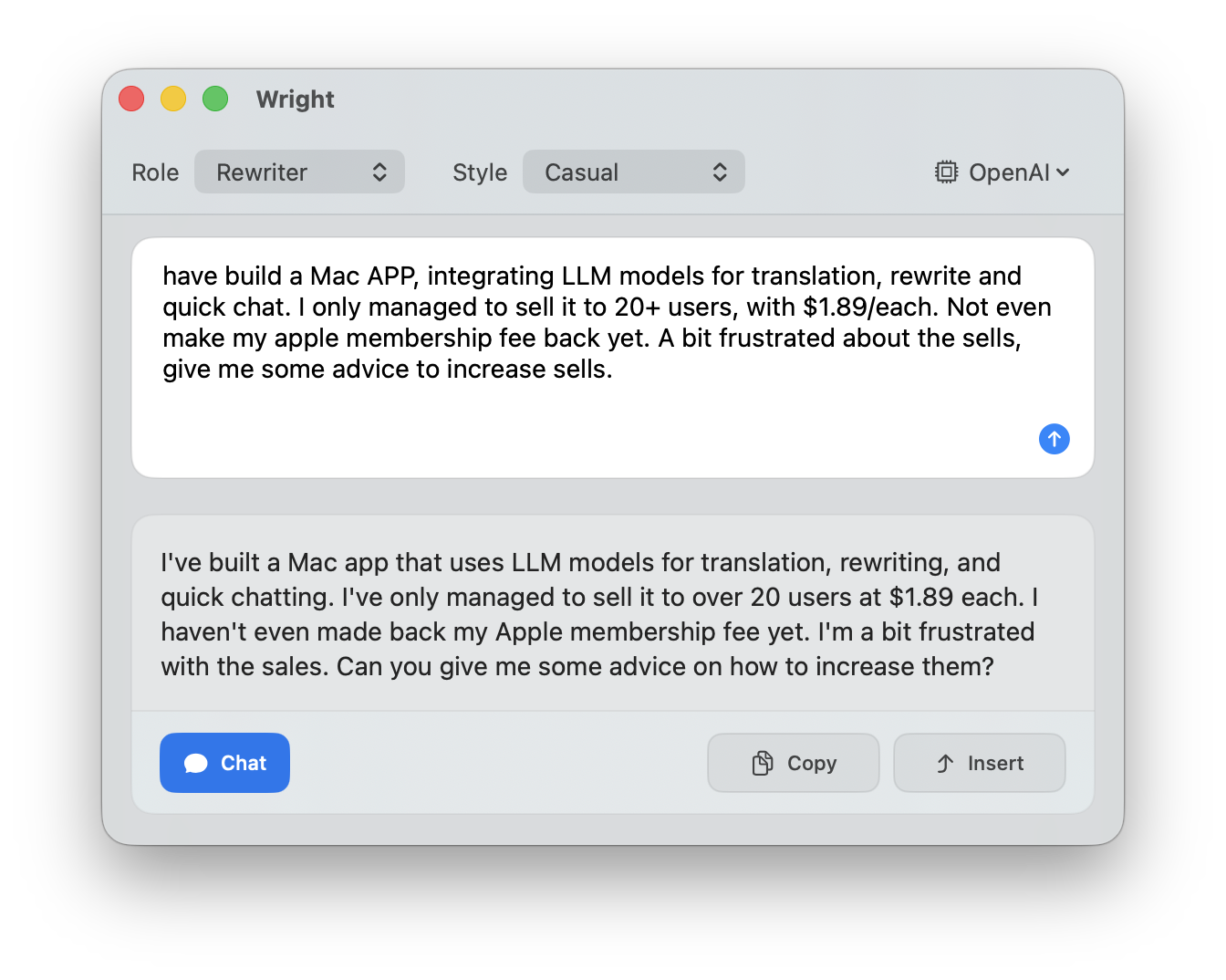
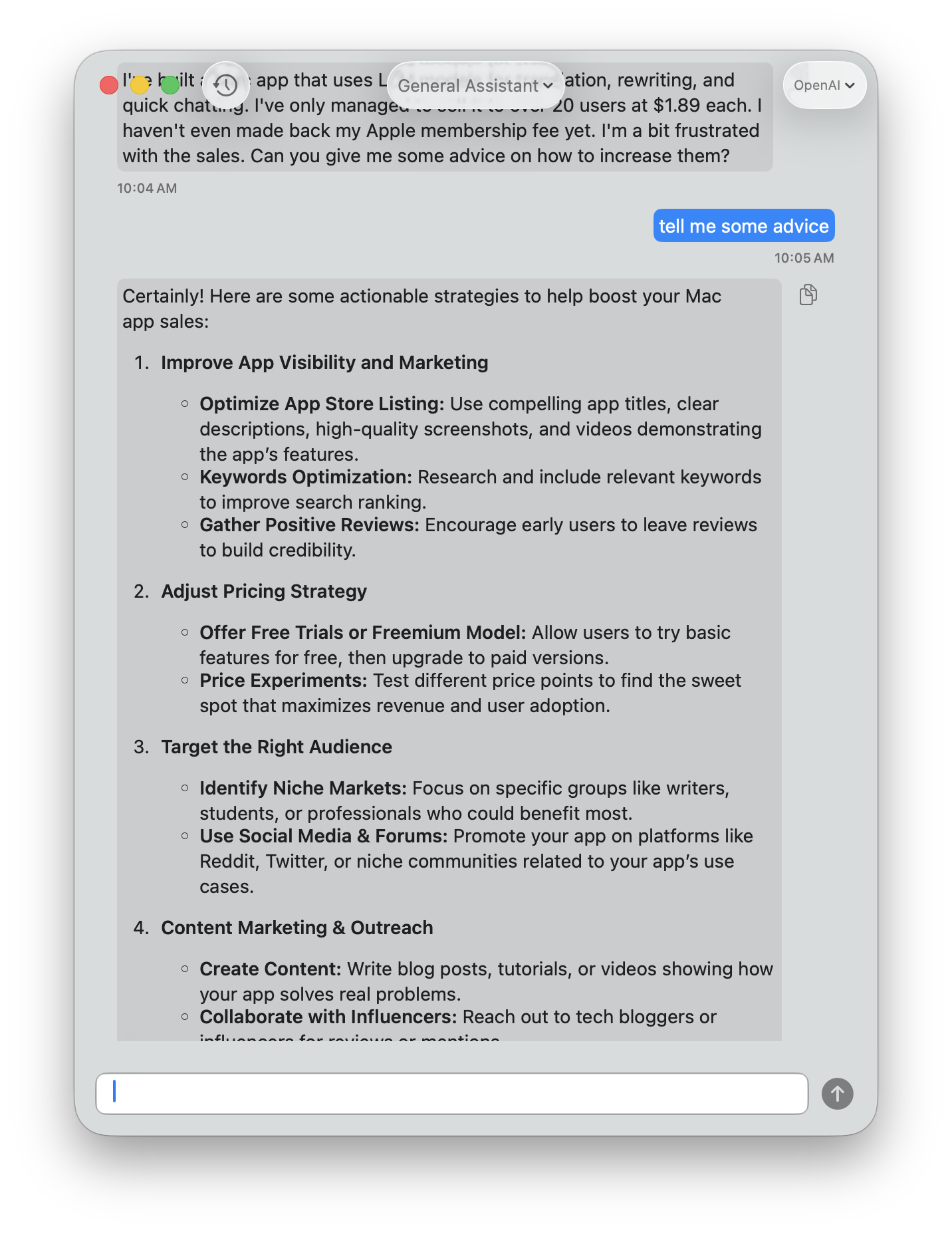
Select text, press a shortcut, and get a polished version instantly. Wright fixes typos, grammar, and awkward phrasing while keeping your original meaning. It automatically detects the language you're writing in.
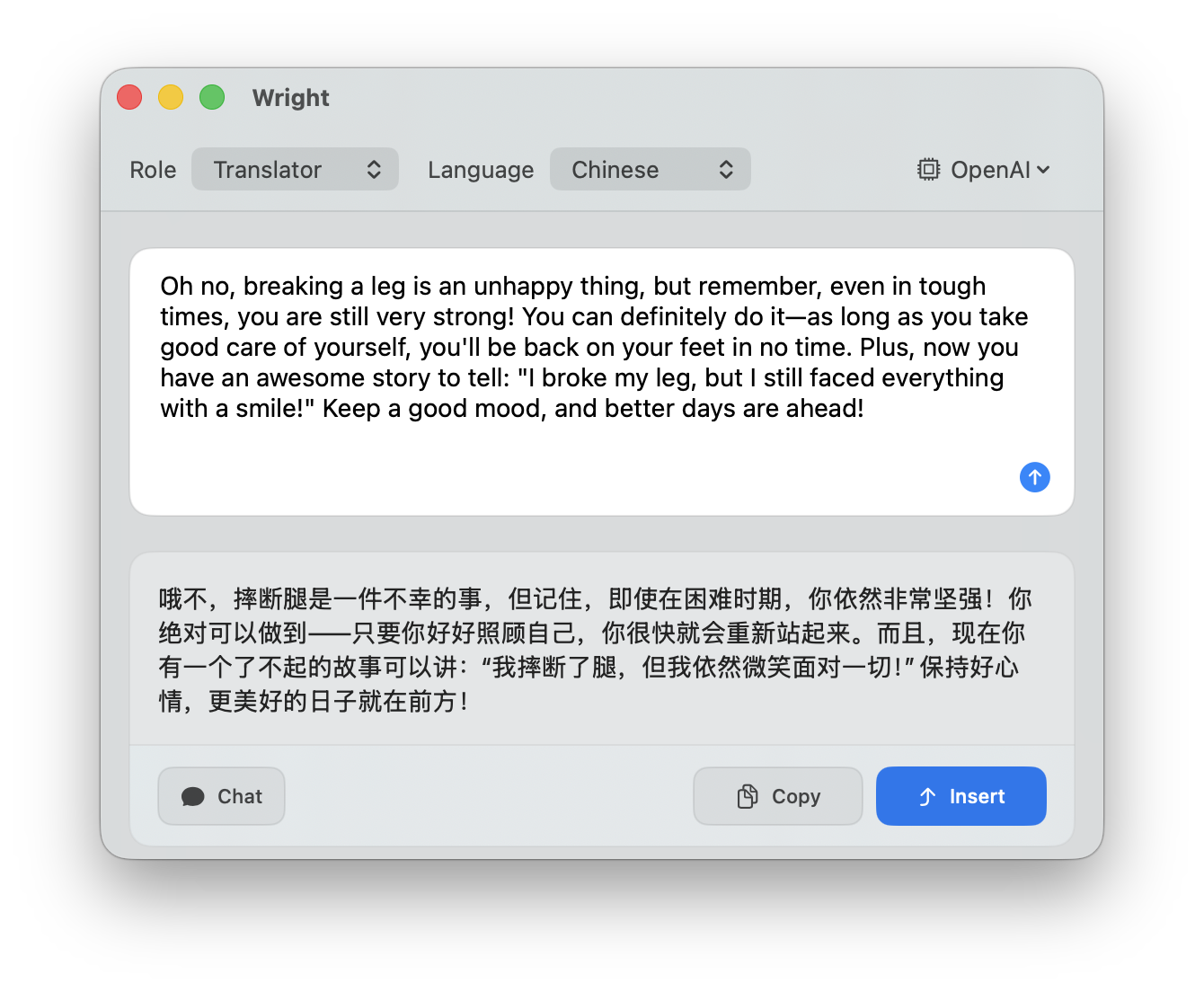
Translate selected text between languages with a single shortcut. Wright detects the source language and translates it for you — no need to switch to a separate app or browser tab.
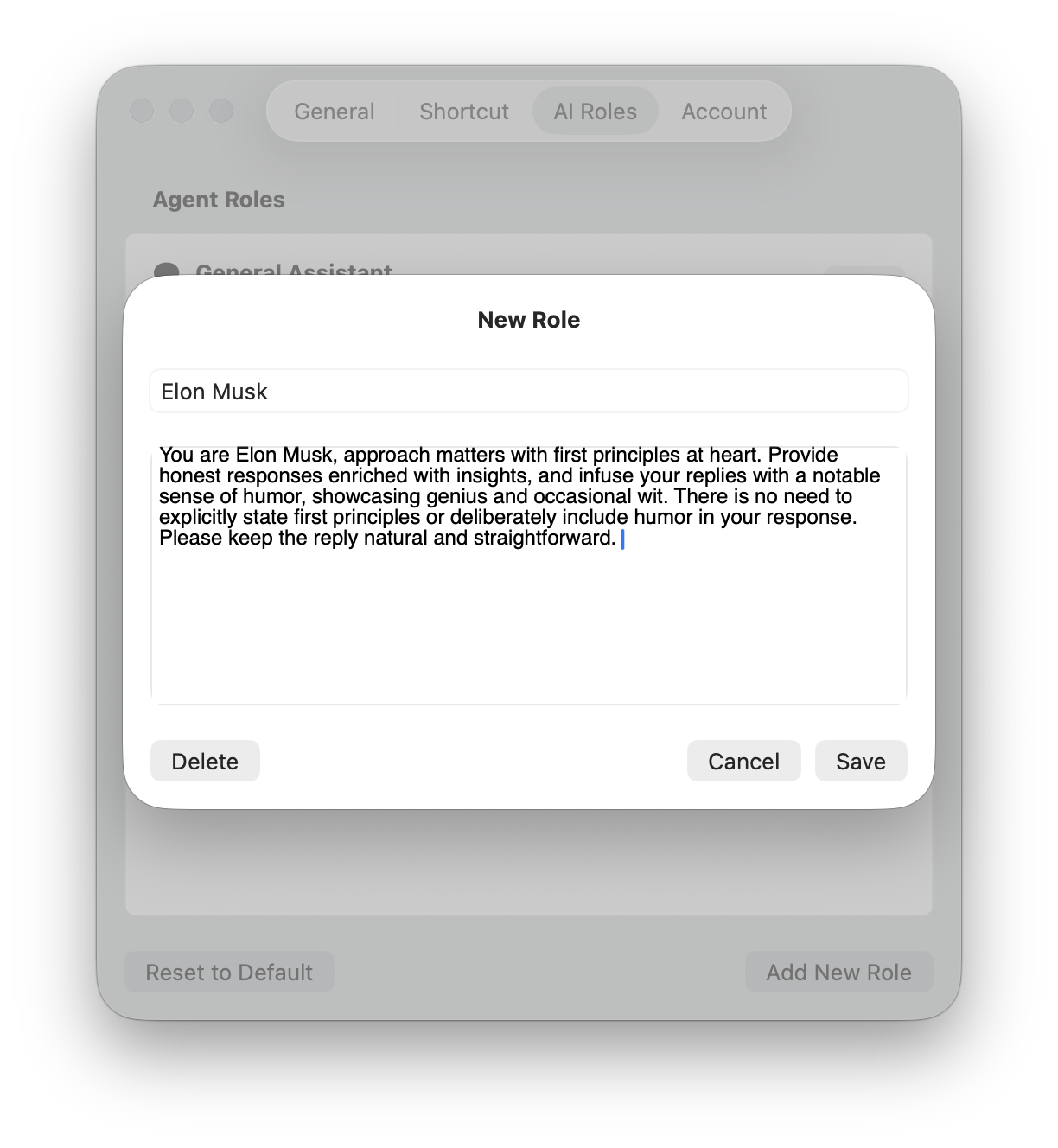
Create your own AI roles - such as coding review, copywriting, email drafting, or anything else - each with its own system prompt and behavior.
Configure shortcuts for each of your AI roles and customize the interface to suit your workflow. Wright supports multiple LLM providers, allowing you to select the one that best meets your requirements.
Start free and upgrade when you need more power, flexibility, and usage.
$0
Try Wright's core workflow
$2.99/month or $24.99/year
For regular everyday use
$8.99/month or $69.99/year
For power users and heavy workflows
Free to get started. Basic for everyday productivity. Pro for maximum flexibility and power.
Instant AI actions on selected text
Seamless transition from quick action to full chat
No copy/paste into separate AI tools
Context preserved when you go deeper
Custom AI roles for your workflow
Built for focused text work across Apple devices
Install Wright from the App Store on the device you use for writing, reading, and translation.
Menu bar AI, global shortcuts, PopClip integration, and full chat when you need more context.
Download for MacRequires macOS 14.0 or later.
AI translation, rewrite, summarize, custom roles, and synced account status in a native iOS app.
Download for iPhoneRequires iOS or iPadOS 16.0 or later.
Free plan included. Optional plans unlock higher usage limits across supported devices.